 PokeScan
Score any three Pokémon
- Scoreagainst the most common Pokémon
- Loses towhat beats all three
- Still needwhat to catch or power up
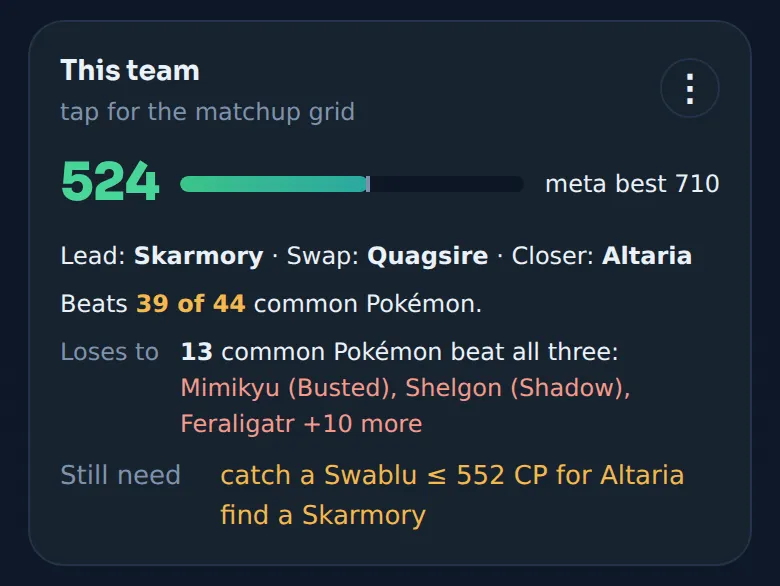
Share a Pokémon GO screenshot. PokeScan reads the IVs, ranks every Pokémon you own and builds the strongest team you can run today.
How it works
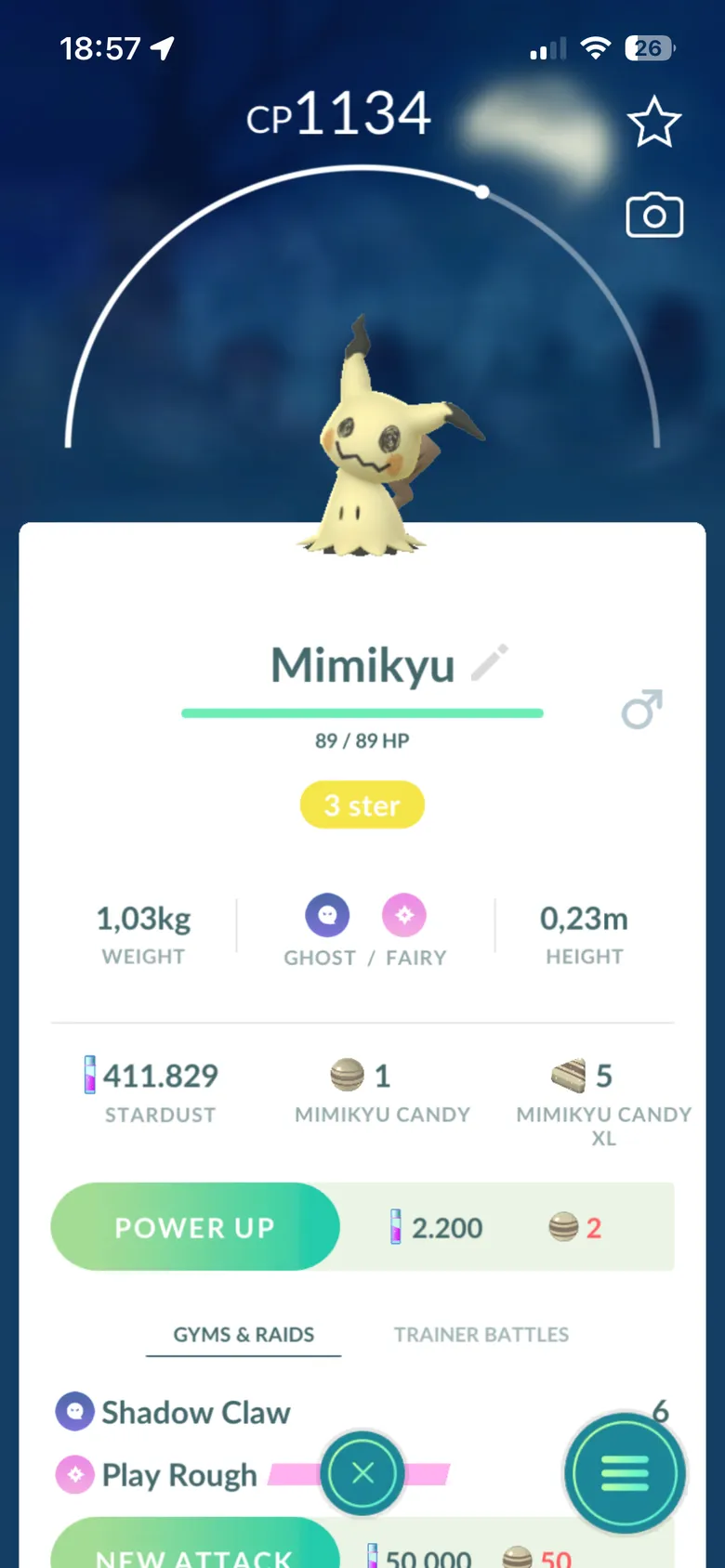
The Pokémon's status screen, straight from the game. Add the appraisal for exact IVs.
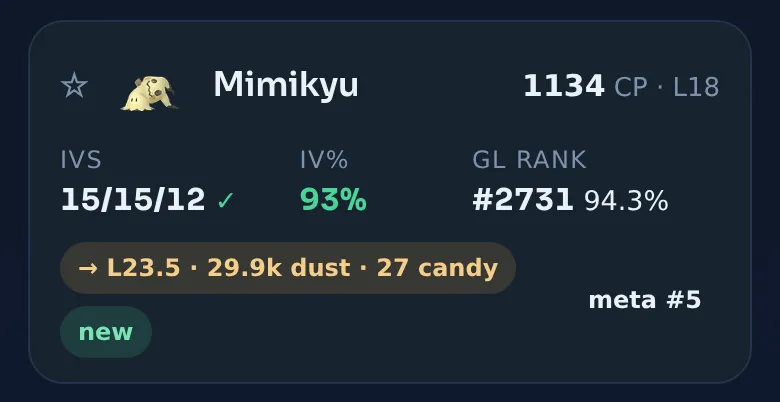
CP 1134No typing. Every Pokémon gets its IVs, its league rank and what a power-up costs.
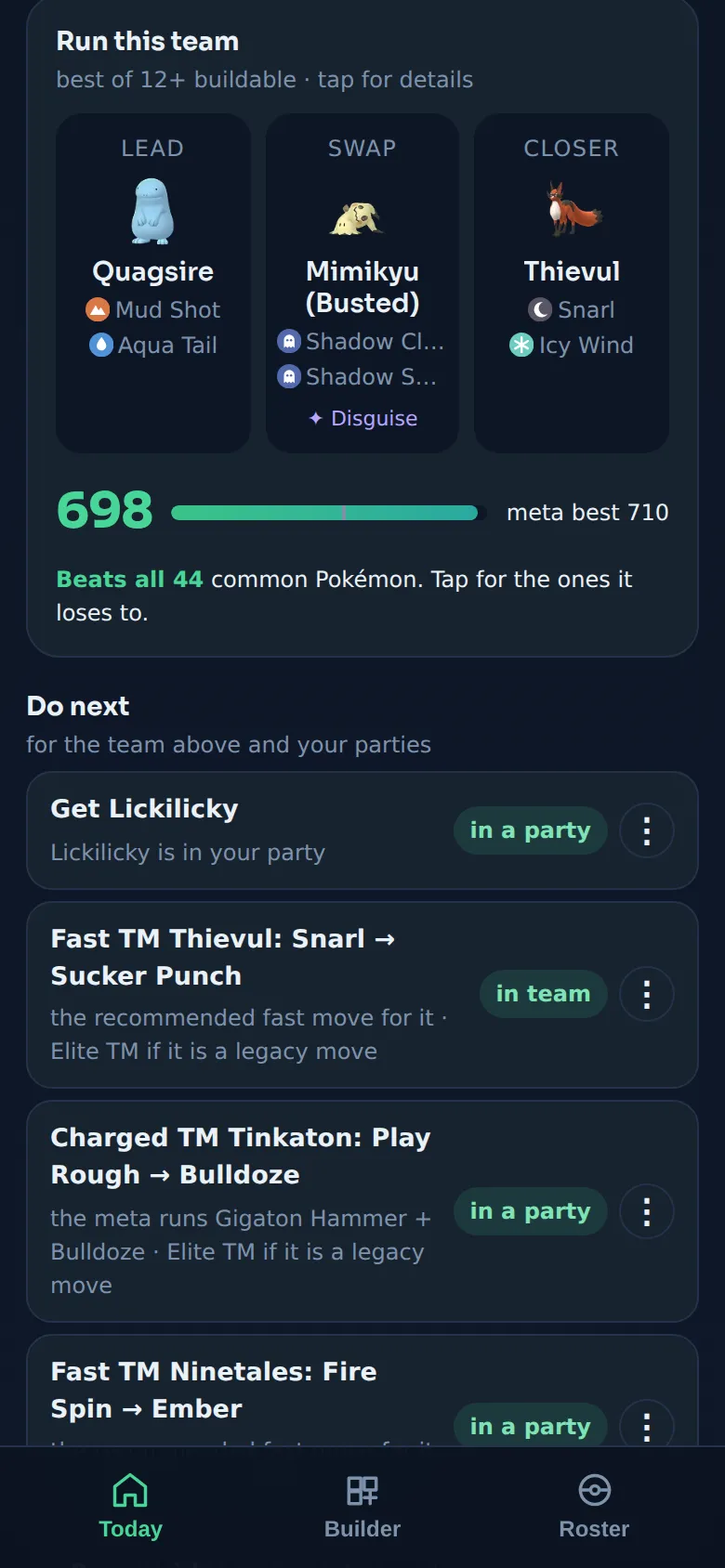
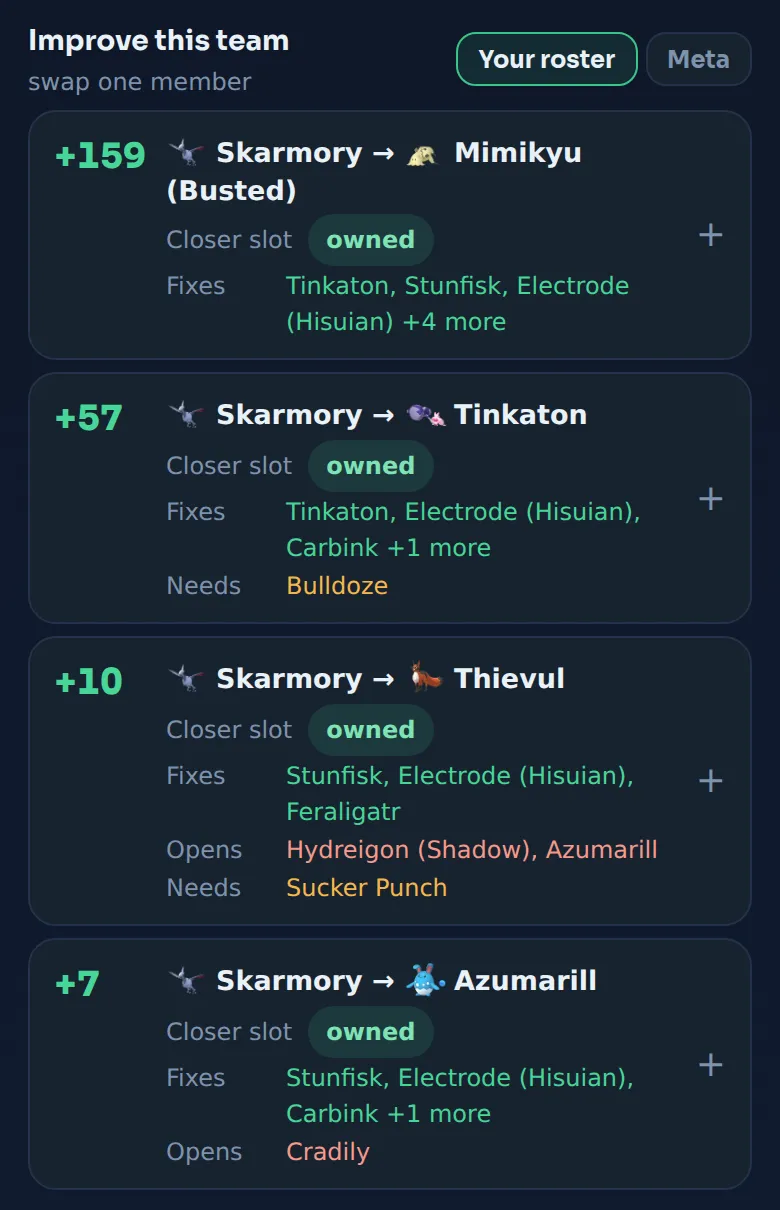
Today picks the best lead, swap and closer from what you own, and what to do next.
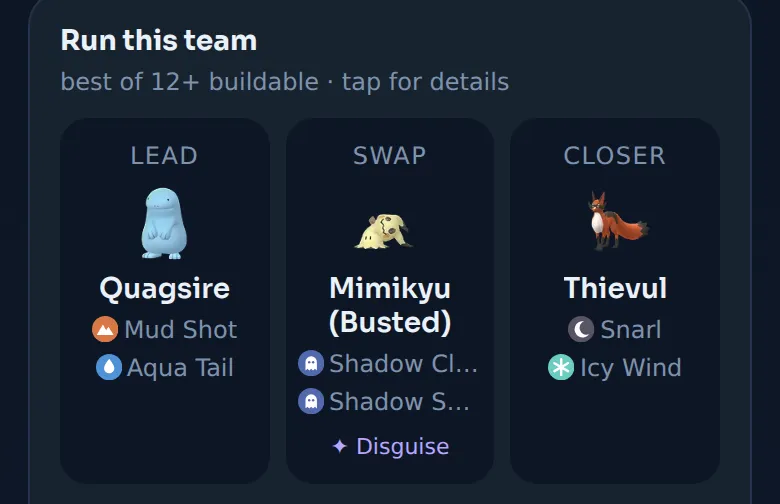
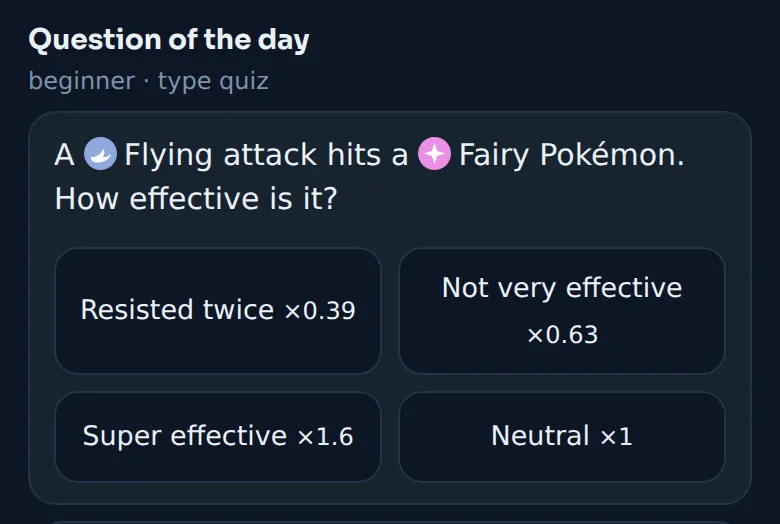
Inside the app
After the match
Record the match with your phone's screen recorder and share it with PokeScan. It reads the whole battle for you.
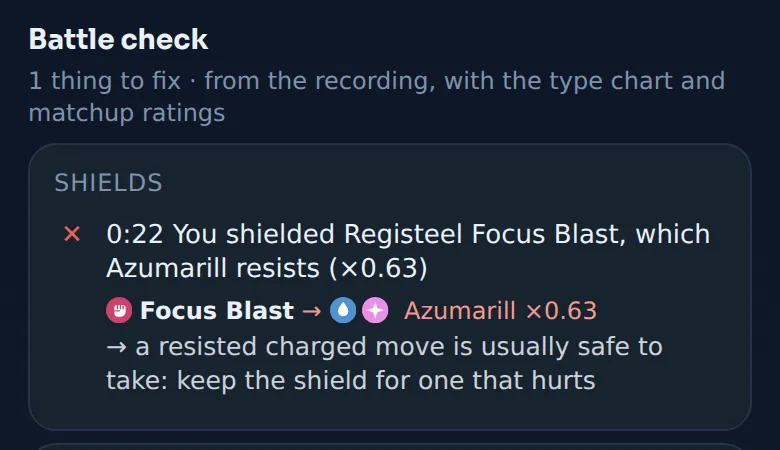
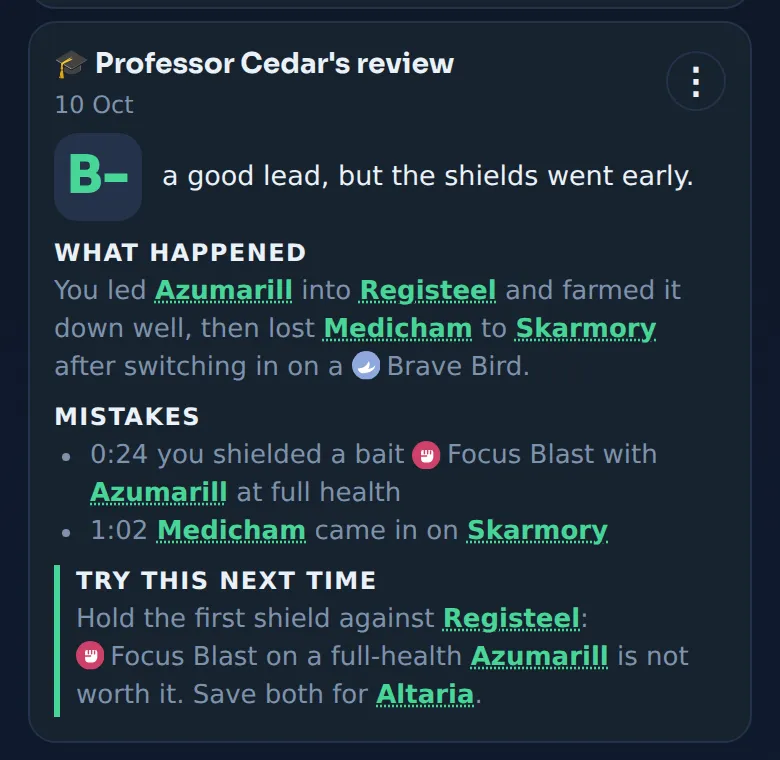
A sample review of a sample battle, as it shows in the app.
Pricing
Every account gets 3 free credits to try Professor Cedar.
Install
PokeScan is not in an app store. Add it from the browser and it opens full screen, like any app, and stays up to date.
Installed on Android, PokeScan shows up in the share sheet, so a screenshot goes straight in.
Questions
PokeScan never asks for your game login and never connects to Pokémon GO. It only reads screenshots and recordings you take yourself, the same way an IV calculator does.
Your screenshot goes to our own server, which reads it and sends back what it says: the Pokémon, its numbers and its level. It is read in memory and never written to disk, so nothing of the image is kept. A screen recording is uploaded whole so it can be read while PokeScan is closed, and the video is deleted the moment the reading ends. What PokeScan reads is saved to your account.
Yes. Open it in Safari and add it to your home screen. On iPhone, import screenshots from the app's Import button.
Yes, a free one. Sign in once and your scans, roster and teams are saved to it and follow you to every device. Pro uses the same account.
Great, Ultra and Little League, plus the cups GO Battle League is running now. Rankings follow PvPoke and are refreshed daily: see the Great League rankings.
PokeScan's AI coach. He works only when you ask: for a review he gets a text summary of your team or battle, never your account details. Only when you ask him to read a screenshot or recording does he see its frames. Nothing you send him is stored.
Start with one screenshot. PokeScan does the rest.
Scan your first Pokémon